
← 返回到所有服务
GitHub 仓库信息
获取时间 · 2026年9月15日★ 21,706最新版本: v0.0.41最后更新: 2026年9月14日
README

English | [简体中文](README.zh-CN.md) | [日本語](README.ja-JP.md)
> [!NOTE]
> This is a demo version currently supporting Chinese only. A full-featured version with better customization and English content support will be released later.
**_Elegant reading of real-time and hottest news_**
## Features
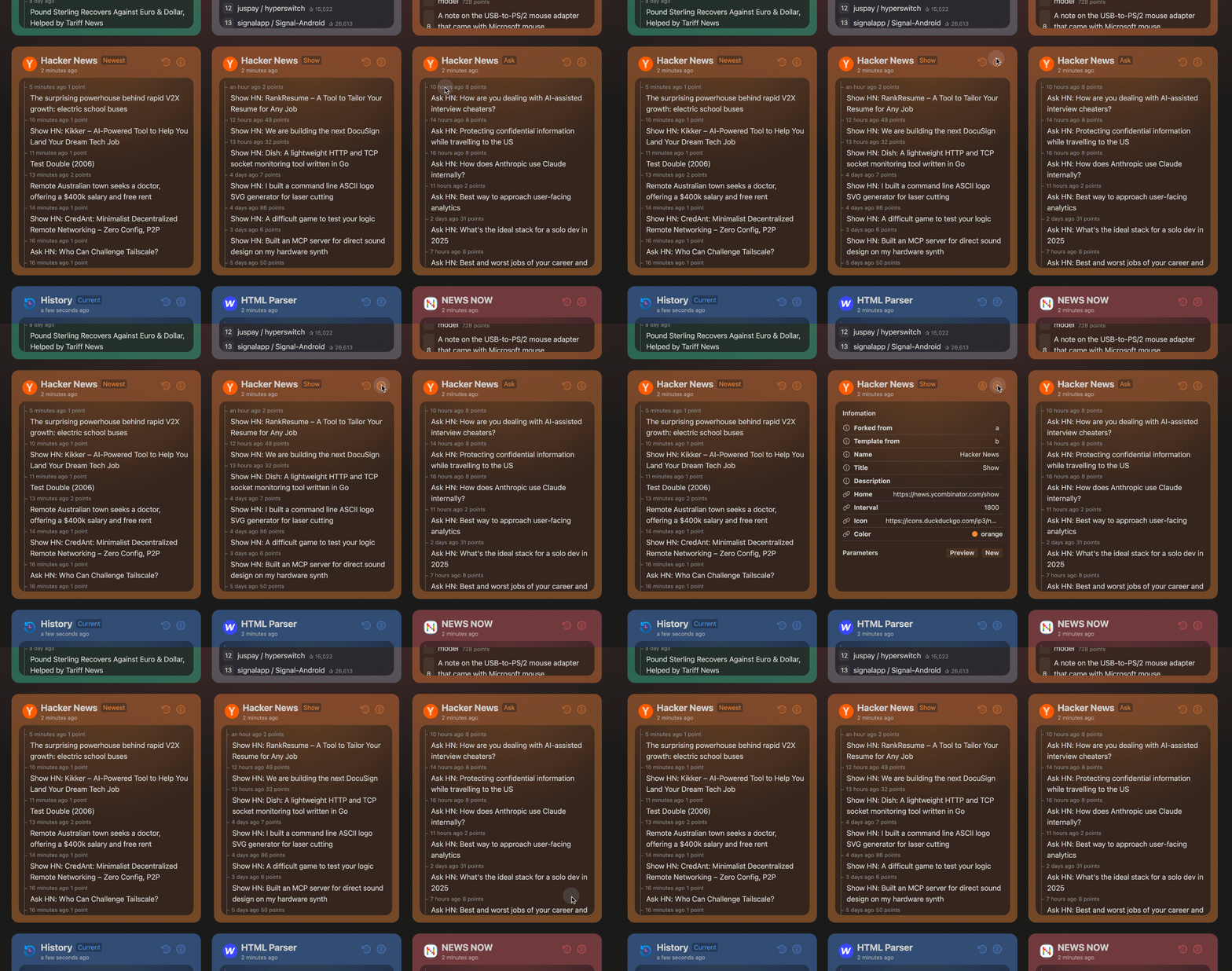
- Clean and elegant UI design for optimal reading experience
- Real-time updates on trending news
- GitHub OAuth login with data synchronization
- 30-minute default cache duration (logged-in users can force refresh)
- Adaptive scraping interval (minimum 2 minutes) based on source update frequency to optimize resource usage and prevent IP bans
- support MCP server
```json
{
"mcpServers": {
"newsnow": {
"command": "npx",
"args": [
"-y",
"newsnow-mcp-server"
],
"env": {
"BASE_URL": "https://newsnow.busiyi.world"
}
}
}
}
```
You can change the `BASE_URL` to your own domain.
## Deployment
### Basic Deployment
For deployments without login and caching:
1. Fork this repository
2. Import to platforms like Cloudflare Page or Vercel
### Cloudflare Page Configuration
- Build command: `pnpm run build`
- Output directory: `dist/output/public`
### GitHub OAuth Setup
1. [Create a GitHub App](https://github.com/settings/applications/new)
2. No special permissions required
3. Set callback URL to: `https://your-domain.com/api/oauth/github` (replace `your-domain` with your actual domain)
4. Obtain Client ID and Client Secret
### Environment Variables
Refer to `example.env.server`. For local development, rename it to `.env.server` and configure:
```env
# Github Client ID
G_CLIENT_ID=
# Github Client Secret
G_CLIENT_SECRET=
# JWT Secret, usually the same as Client Secret
JWT_SECRET=
# Initialize database, must be set to true on first run, can be turned off afterward
INIT_TABLE=true
# Whether to enable cache
ENABLE_CACHE=true
```
### Database Support
Supported database connectors: https://db0.unjs.io/connectors
**Cloudflare D1 Database** is recommended.
1. Create D1 database in Cloudflare Worker dashboard
2. Configure database_id and database_name in wrangler.toml
3. If wrangler.toml doesn't exist, rename example.wrangler.toml and modify configurations
4. Changes will take effect on next deployment
### Docker Deployment
In project root directory:
```sh
docker compose up
```
You can also set Environment Variables in `docker-compose.yml`.
## Development
> [!Note]
> Requires Node.js >= 20
```sh
corepack enable
pnpm i
pnpm dev
```
### Adding Data Sources
Refer to `shared/sources` and `server/sources` directories. The project provides complete type definitions and a clean architecture.
For detailed instructions on how to add new sources, see [CONTRIBUTING.md](CONTRIBUTING.md).
## Roadmap
- Add **multi-language support** (English, Chinese, more to come).
- Improve **personalization options** (category-based news, saved preferences).
- Expand **data sources** to cover global news in multiple languages.
**_release when ready_**
## Contributing
~~Contributions are welcome! Feel free to submit pull requests or create issues for feature requests and bug reports.~~
The new version is coming soon and we will no longer accept contributions
~~See [CONTRIBUTING.md](CONTRIBUTING.md) for detailed guidelines on how to contribute, especially for adding new data sources.~~
## License
[MIT](./LICENSE) © ourongxing
## Sponsorship
If you rely on this service, sponsorship is welcome to help it run for the long term. If you need customization or other help, you can also use the contact method below and include a note.

NewsNow 是一个优雅的实时新闻阅读平台,提供实时热点新闻聚合和个性化阅读体验。
主要功能
- 实时更新:自动获取最新热点新闻
- 优雅界面:简洁优雅的阅读体验
- GitHub 登录:支持 GitHub OAuth 登录和数据同步
- 智能缓存:30分钟默认缓存时间(登录用户可强制刷新)
- 自适应抓取:基于源更新频率的自适应抓取间隔(最少2分钟)
- 多语言支持:支持中文、英文、日文等多种语言
技术特点
- Next.js:现代化的 React 框架
- TypeScript:类型安全的开发体验
- Cloudflare D1:高性能数据库支持
- Docker:容器化部署支持
- GitHub OAuth:安全的用户认证系统
部署要求
- Node.js >= 20
- Docker(可选)
- Cloudflare D1 数据库(推荐)
- GitHub OAuth 配置(可选)
特色功能
- 实时热点:自动聚合最新热点新闻
- 个性化阅读:支持自定义新闻分类和偏好
- 数据同步:登录用户可同步阅读数据
- 资源优化:智能抓取间隔防止 IP 封禁
- 多语言支持:支持多种语言内容